Best Monopoly App for iPhone and Android (2026)
There is no single Monopoly app for iOS and Android — there are several, and they are very different games. Monopoly GO is free but is not really the board game. The official Hasbro app is faithful but costs money and a gigabyte of storage. opolyx runs in your phone browser for free, with a free iPhone app if you want an icon.
Search for Monopoly on the App Store or Google Play and you get a dozen results that share a name and almost nothing else. One is a free-to-play dice game with a timer. One is the official board game, sold up front. Several are property-trading games with different names. This page lays them side by side — what each costs, how much of your phone it takes, and whether an iPhone and an Android can sit at the same table — and then explains where opolyx fits.
Every Monopoly-style game you can play on a phone, at a glance
| Game | Price | Where it runs | Download size |
|---|---|---|---|
| opolyx | Free | Any browser (phone, tablet, desktop) + iPhone app | Nothing in the browser · 3.4 MB iPhone app |
| Monopoly GO! | Free with in-app purchases | iPhone and Android apps | 281 MB on iPhone |
| MONOPOLY: The Board Game | Paid, about $4.99 | iPhone, Android | 1.1 GB on iPhone |
| richup.io | Free | Any browser | Nothing to install |
| Rento | Free with in-app purchases ($4.99 on Steam) | iPhone, Android, Steam | App download |
| Business Tour | Free-to-play with cosmetics | Steam (Windows, Mac) | PC install |
Monopoly GO! — free, huge, and built around a dice timer
Monopoly GO is the one most people mean by “the Monopoly app”: released by Scopely in 2023, past 150 million downloads, and free to install on both iPhone and Android. It is also not really Monopoly. You roll dice to hop around a board collecting stickers and building landmarks; there is no property trading, no auctions, and no bankrupting the person next to you. Rolls are rationed — dice regenerate slowly on a timer, and buying more is the business model, alongside in-app purchases that run from a couple of dollars to ninety-nine. If you want a bright thing to tap at a bus stop, it is very well made. If you want the board game, it is the wrong app. We wrote a longer comparison at opolyx vs Monopoly GO.
MONOPOLY: The Board Game — the official one, paid up front
Marmalade Game Studio makes the officially licensed Hasbro app, and it is the most faithful digital Monopoly you can put on a phone: real rules, real trading, real auctions, a proper 3D board, and no adverts. It costs about $4.99 on both the App Store and Google Play, and it supports single player against the AI, local pass-and-play on one device, and online multiplayer where you host or join with a lobby code. The catch is size and commitment: the iPhone build is 1.1 GB, everybody at the table has to buy it, and the price is per store account. For a family that plays often it is good value. For a game with three friends tonight it is a lot of setup.
Rento, Business Tour, richup.io and the rest of the field
Beyond the two big names there is a long tail. Rento is a free-to-play dice board game on iPhone and Android, funded by in-app purchases (on Steam it costs $4.99), and seats more players than most. Business Tour is a free-to-play Steam title — it plays well, but it is a PC game, so it is not an answer to “what do I install on my phone”. richup.io runs in a mobile browser like ours does and is genuinely free. Monopoly Plus, the Ubisoft version people still search for, was a PC and console game and was delisted in 2024 — it was never a phone app and cannot be bought now. If you want the wider list including desktop, we keep one at the best online Monopoly-style games.
opolyx — the browser one that also has an iPhone app
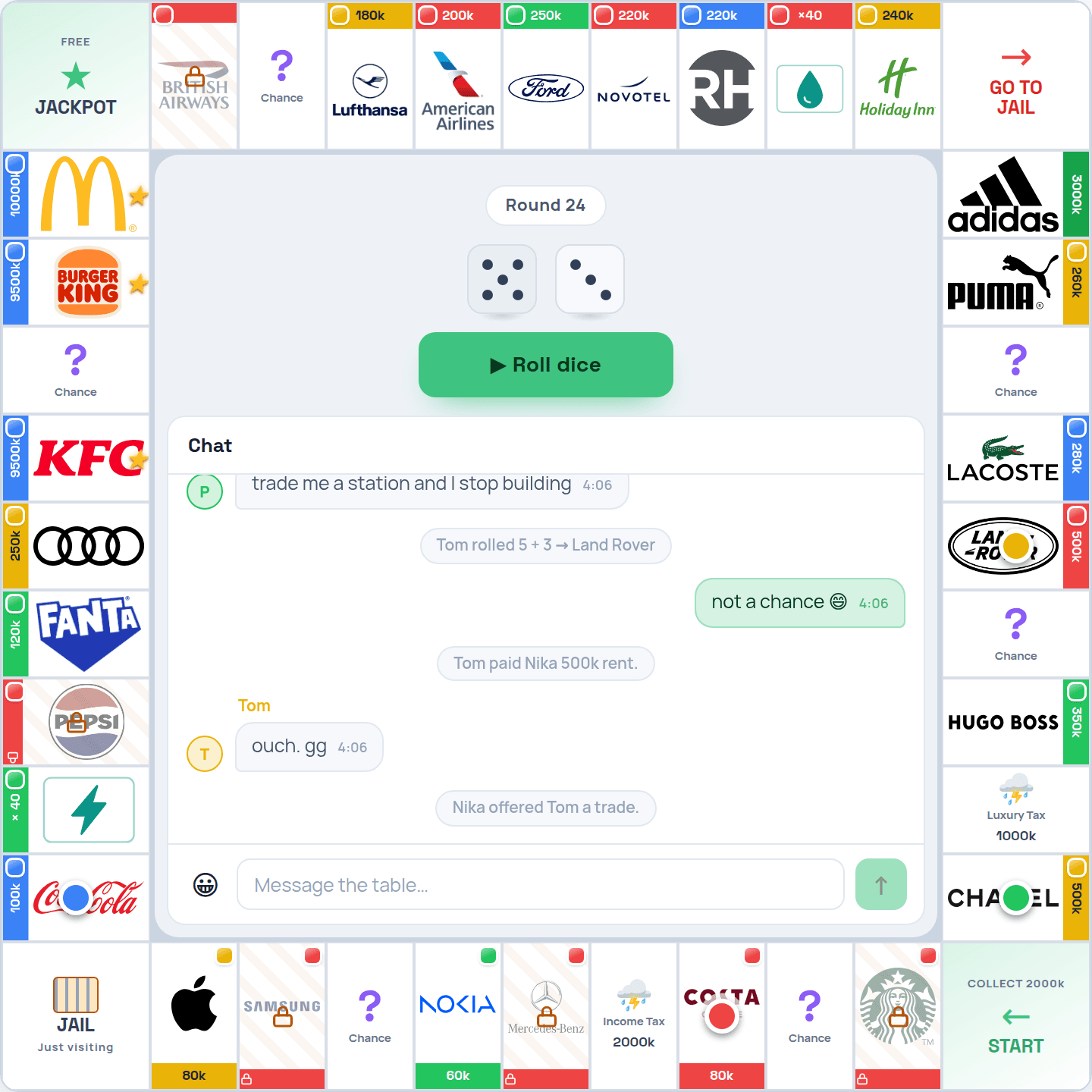
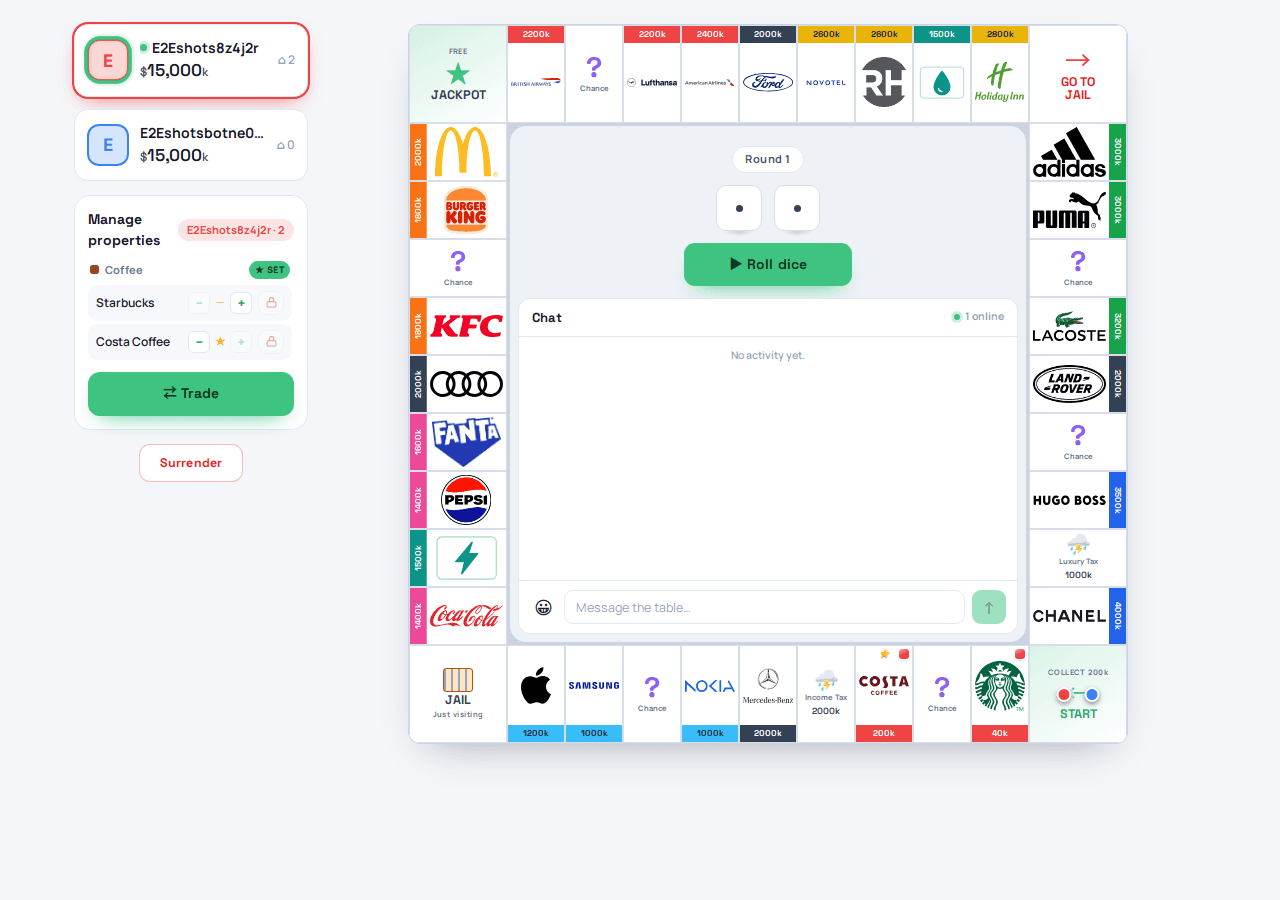
opolyx is a free Monopoly-style board game that runs in the browser on any phone, and it has a free iPhone app for people who would rather tap an icon. The app is a native shell around the same site, which is why it is 3.4 MB rather than a gigabyte, and why it updates itself: there is no version to keep current and no download waiting for you when a friend sends an invite. It plays the full property-trading game — buying, building, rent, trades, auctions, mortgages, jail — with human opponents, bots, or both. There is no Google Play listing yet; on Android you open the site in Chrome and, if you want, pin it to your home screen.
Can iPhone and Android players play Monopoly together?
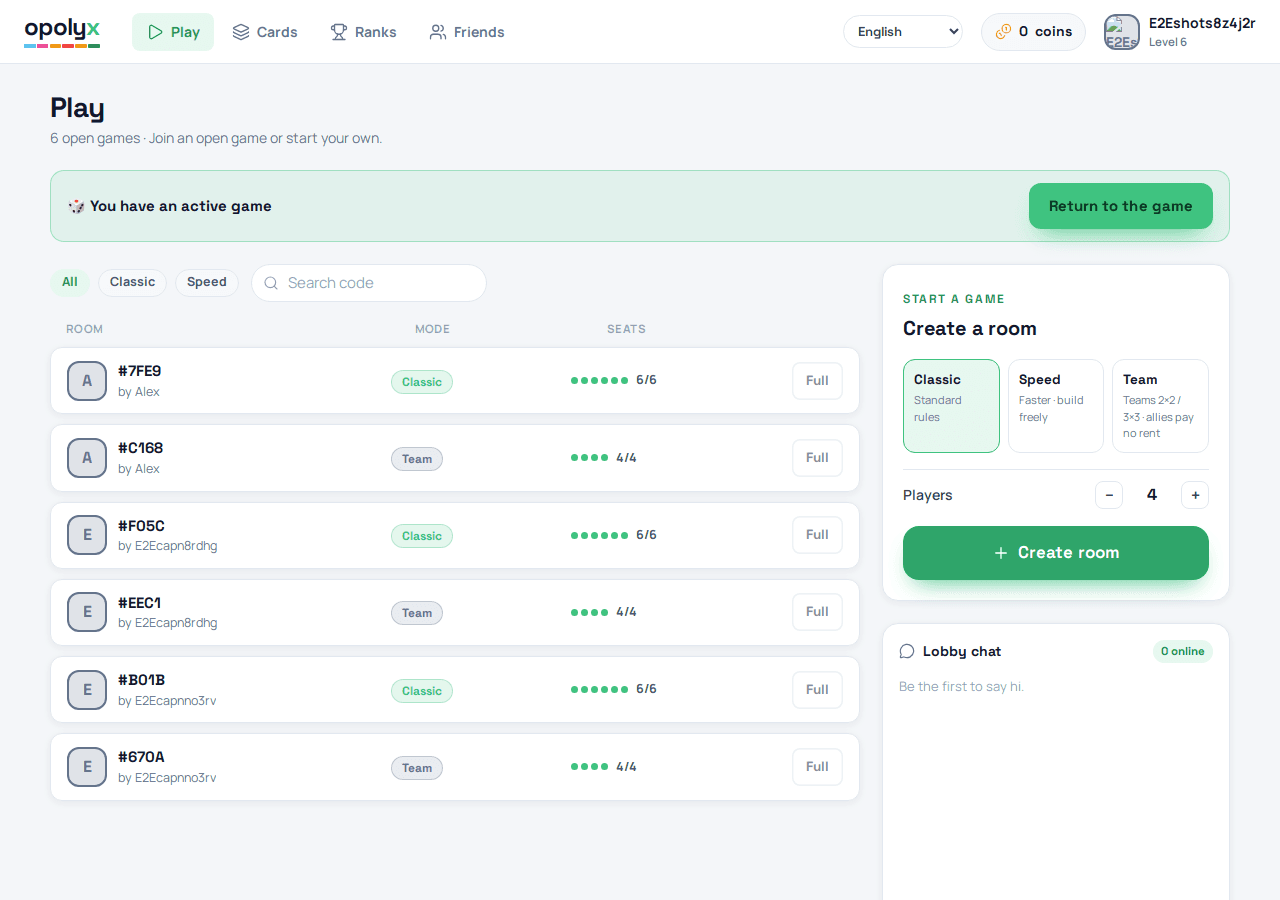
Sometimes, and it depends entirely on the app. Monopoly GO supports cross-play, so an iPhone and an Android can play together on a friends list. The official Marmalade app runs on both stores as well, but everyone has to own it, and a copy bought on one store does not carry to the other. Anything that exists on only one platform is out of the question by definition. A browser game removes the problem instead of solving it: opolyx has nothing to match up, because an iPhone, an Android, a tablet and a laptop are all just opening the same page. You send one link and whoever clicks it is in the room, whatever they are holding. That is also why it is the simplest answer when half the group has not installed anything.
How much space does a Monopoly game take on your phone?
More than you would expect for a board game. On iPhone, the official MONOPOLY app is 1.1 GB and Monopoly GO is 281 MB — between them, roughly a gigabyte and a half for two games with a board and some dice. The opolyx iPhone app is 3.4 MB, about a three-hundredth of the official one, because it is a shell around a site rather than a shipped copy of the game; in the browser it downloads nothing you keep. Storage is not a trivia point on a phone that is already full: it decides whether you can install the thing at all when a friend messages you, and it is the most common reason an install gets abandoned halfway.
Free, paid, or free-with-a-timer — what you actually pay
There are three business models on this list and it is worth naming them, because “free” means two different things. Paid up front is the official app: about $4.99, no adverts, no pressure, and everybody at the table pays it. Free-to-play is Monopoly GO and Rento: nothing to pay, but the game is designed around a resource you run out of, and buying more of it is the point — the dice timer is not a bug, it is the product. Genuinely free is the browser group, richup.io and opolyx, where the game does not meter your turns. opolyx has collectible property cards, but you earn them by playing rather than buy them — and you can play as many games in a row as you have evening for.
Playing Monopoly on a phone without installing anything
The fastest route on any phone is the browser, and it is often the only route: work and school networks that block app stores rarely block the web, and a phone with no free storage can still open a page. Open opolyx in Safari or Chrome, sign in with the one-tap link or code emailed to you — no password, no long form — and take a seat. If you use it often, both platforms will pin it to your home screen: on iPhone that is Share → Add to Home Screen, on Android it is the Chrome menu → Install app, and either way it opens full-screen with no browser bars. That, and a copy of the offline game for when there is no connection, is all an “app” buys you here, which is the argument we make at greater length on the free Monopoly app page.
How to start a game on your phone in under a minute
- 1Open opolyx in your phone browser
Go to opolyx.com in Safari, Chrome or any modern mobile browser and sign in with the one-tap link or code emailed to you — no password. Nothing downloads, and iPhone users can install the free App Store build instead if they prefer an icon.
- 2Pick a mode and create a room
Choose how long you want to play — a short capped game or a full-length one — set the number of seats, and create the room. It exists the moment you tap.
- 3Send the link, or add bots
Share the room link in any chat and the people who tap it join, whatever phone they are on. If nobody is around, fill the empty seats with bots.
- 4Roll and play
Buy properties, complete a colour set, build, and charge rent. Turns are timed so a game keeps moving, and you can leave and rejoin from the same phone or another one, as long as you are back before you miss two turns in a row.
Why opolyx works well on a phone
- Nothing to install, so a friend who has never heard of it is in the room moments after tapping your link — no store page, no download, no update to wait for.
- The same room works across iPhone, Android, tablet and desktop at once, because everyone is opening a web page rather than a platform-specific build.
- Seats 2–6 players, including teams of two or three a side, so a group does not have to split into two games.
- Blitz, Classic, Speed, Team, Halal, Fortune, Deal, and Russian Roulette — a full-length game when you have the evening, and a round-capped one when you do not: 25 rounds · ~15 min.
- Bots at easy, medium and hard fill the seats nobody took, and they trade, build and bid instead of just moving — see playing Monopoly against the computer.
- Private rooms mean you decide who stays at the table, which is the usual reason people go looking for an app in the first place — more on playing with friends.
Frequently asked questions
Is there a free Monopoly game for iPhone?
Yes, several. Monopoly GO is free to install with in-app purchases, and opolyx is free with an optional free App Store app of 3.4 MB — or you can skip installing and play it in Safari. The officially licensed MONOPOLY app from Marmalade is the paid one, at about $4.99.
Is there a free Monopoly game for Android?
Yes. Monopoly GO is free to install from Google Play, and opolyx is free in Chrome on any Android phone — open the site and play, then use Chrome’s menu → Install app if you want it on your home screen. The official Marmalade app is on Google Play too, priced at about $4.99.
Can iPhone and Android players play Monopoly together?
With some apps, yes. Monopoly GO supports cross-play between iPhone and Android, and the official Marmalade app is sold on both stores, though everyone has to buy their own copy. With opolyx the question does not come up: it is a web game, so an iPhone, an Android, a tablet and a laptop all join the same room from one shared link.
What is the best Monopoly app for Android?
It depends what you want. For the faithful board game with real trading and auctions, the official Marmalade app is the closest, and it is paid. For something free that plays the full property-trading game with friends, open opolyx in Chrome — no Play Store download, and the same room works for friends on iPhones.
Is Monopoly GO the same as Monopoly?
No. It shares the brand and the board, but it is a dice-rolling collection game: you hop around the board, gather stickers and build landmarks. There is no property trading, no auctions and no bankrupting an opponent, and your rolls are limited by a timer. If those mechanics are what you are looking for, you want a property-trading game instead.
Does the official MONOPOLY app cost money?
Yes. MONOPOLY: The Board Game by Marmalade Game Studio is a paid app at about $4.99 on both the App Store and Google Play, and it also offers in-app purchases for extra boards and tokens. It is ad-free, which is part of what the price buys.
How big is the Monopoly app download?
On iPhone, the official MONOPOLY app is 1.1 GB and Monopoly GO is 281 MB, as listed on the US App Store in August 2026. The opolyx iPhone app is 3.4 MB because it is a shell around the website, and playing in the browser downloads nothing you keep.
Can I play Monopoly on my phone without downloading anything?
Yes. Open opolyx in your phone browser, sign in with the one-tap link or code emailed to you, and play — no store, no install and no update. That is also the route that works on school and office networks where app stores are blocked, and on a phone with no storage left.
Can I play Monopoly with friends on my phone?
Yes. On opolyx you create a private room and share the link in any chat; whoever taps it joins, on any device. Monopoly GO uses a friends list, and the official Marmalade app uses a lobby code that everyone who owns the app can join.
Does it work on an iPad or an Android tablet?
Yes. opolyx runs in the browser on tablets, and the App Store build supports iPad as well as iPhone. A tablet is the nicest way to play a board game on a touchscreen, because the whole board fits without pinching.
Can I play Monopoly on a phone offline?
Yes, in the opolyx iPhone app or once opolyx is on your home screen. Open it once while you are online and it keeps a copy of the game on the phone, about 3.5 MB; with no connection it offers Play offline — Speed, Classic or Blitz, against bots or with friends passing one phone. Offline games earn no XP, rating or cards. The official Marmalade app plays offline too, against the AI or in pass-and-play, with the whole game on the phone from the first launch.
Can I play on Android without Google Play?
Yes. opolyx needs no Play Store download at all — open the site in any Android browser. That covers phones without Google services installed, work devices with a locked-down store, and anyone who simply does not want another app.
Is there an opolyx app for Android?
Not on Google Play yet. On Android, opolyx runs in the browser, and Chrome will add it to your home screen as an app icon from the menu → Install app, which opens it full-screen without browser bars. The iPhone app is on the App Store and is free.
Is opolyx the official MONOPOLY app?
No. opolyx is an independent, Monopoly-style board game and is not affiliated with Hasbro or the official MONOPOLY brand. The officially licensed mobile game is MONOPOLY: The Board Game by Marmalade Game Studio.