Free Monopoly for PC (2026): Browser vs Downloadable Games
There is no free official Monopoly game for PC: Ubisoft’s New Monopoly costs $29.99 and is a 5 GB Windows download, and Monopoly Plus was taken off sale in 2024. The free options are Business Tour on Steam and browser games — opolyx runs free in Chrome, Edge, Firefox or Safari on Windows, Mac and Chromebook.
Search for Monopoly on PC and you find a paid download from Ubisoft, a game that was pulled from sale, a few free-to-play Steam titles, phone apps that never came to Windows, and browser games that need no download at all. This page lays them side by side — what each costs, what it installs and which computers it runs on — and then explains where opolyx fits. If you came here to play against the computer rather than on one, that is a different question, answered on playing Monopoly against the computer.
Every way to play a Monopoly-style game on a PC, at a glance
| Game | Price | Runs on | Install |
|---|---|---|---|
| opolyx | Free | Any browser | None |
| richup.io | Free | Any browser | None |
| Business Tour | Free + shop | Windows / Mac | Steam install |
| Rento Fortune | $4.99 + shop | Windows / Mac / Linux | 880 MB |
| New Monopoly | $29.99 | Windows 10/11 | 5 GB |
| Monopoly Plus | Not sold | Delisted in 2024 | — |
| Monopoly GO! | Free + shop | Phones / tablets | No PC app |
Is there a free Monopoly game for PC?
Not an official one. The licensed Monopoly game on PC today is Ubisoft’s New Monopoly, sold on Steam for $29.99. Monopoly GO! and the official Marmalade app are phone games with no Windows or Mac version, and the “PC versions” offered on download sites are Android emulators running the phone app, not releases from the publisher. That leaves two free routes. Business Tour is a free-to-play Steam download paid for by in-game purchases. Browser games such as opolyx and richup.io run free in Chrome, Edge, Firefox or Safari and install nothing.
New Monopoly — the official PC game, and what it costs
New Monopoly, released in September 2024 as Monopoly 2024, is Ubisoft’s licensed 3D version. On Steam it costs $29.99, needs 64-bit Windows 10 or 11 and 5 GB of disk space, and its online play needs a Ubisoft account on top of Steam. It seats up to six players, in the same room or online, and it is the most faithful licensed board game you can put on a PC. The trade-offs are those of any boxed game: everyone who plays online has to buy it, the Steam version does not run on a Mac or a Chromebook, and a game night starts with a 5 GB download.
What happened to Monopoly Plus on PC?
Monopoly Plus was Ubisoft’s earlier 3D Monopoly for PC and consoles. It was removed from Steam, the Ubisoft Store and the Epic Games Store on 2 October 2024, a week after New Monopoly came out, so it can no longer be bought on PC. If you are looking for it, New Monopoly is its paid successor. If what you wanted was a board game with friends rather than the 3D presentation, we compare the free options on the Monopoly Plus alternative page.
Business Tour, Rento Fortune and the other Steam games
Business Tour, by 8Floor, is the best-known free option on Steam: free to play on Windows and Mac, online for two to four players, including two-versus-two team games, and funded by in-game purchases, some of them chance-based, plus paid add-ons. Rento Fortune, by LAN-Games, costs $4.99 on Steam, runs on Windows, Mac and Linux, takes 880 MB on Windows and seats two to eight players, with in-app purchases on top. Players who know the game as 大富翁 will also find Softstar’s Richman 4 on Steam: $5.99, Windows only, in Traditional Chinese, with local play but no online multiplayer. We compare two of them in detail: Business Tour and Rento.
opolyx — the free one that runs in your PC browser
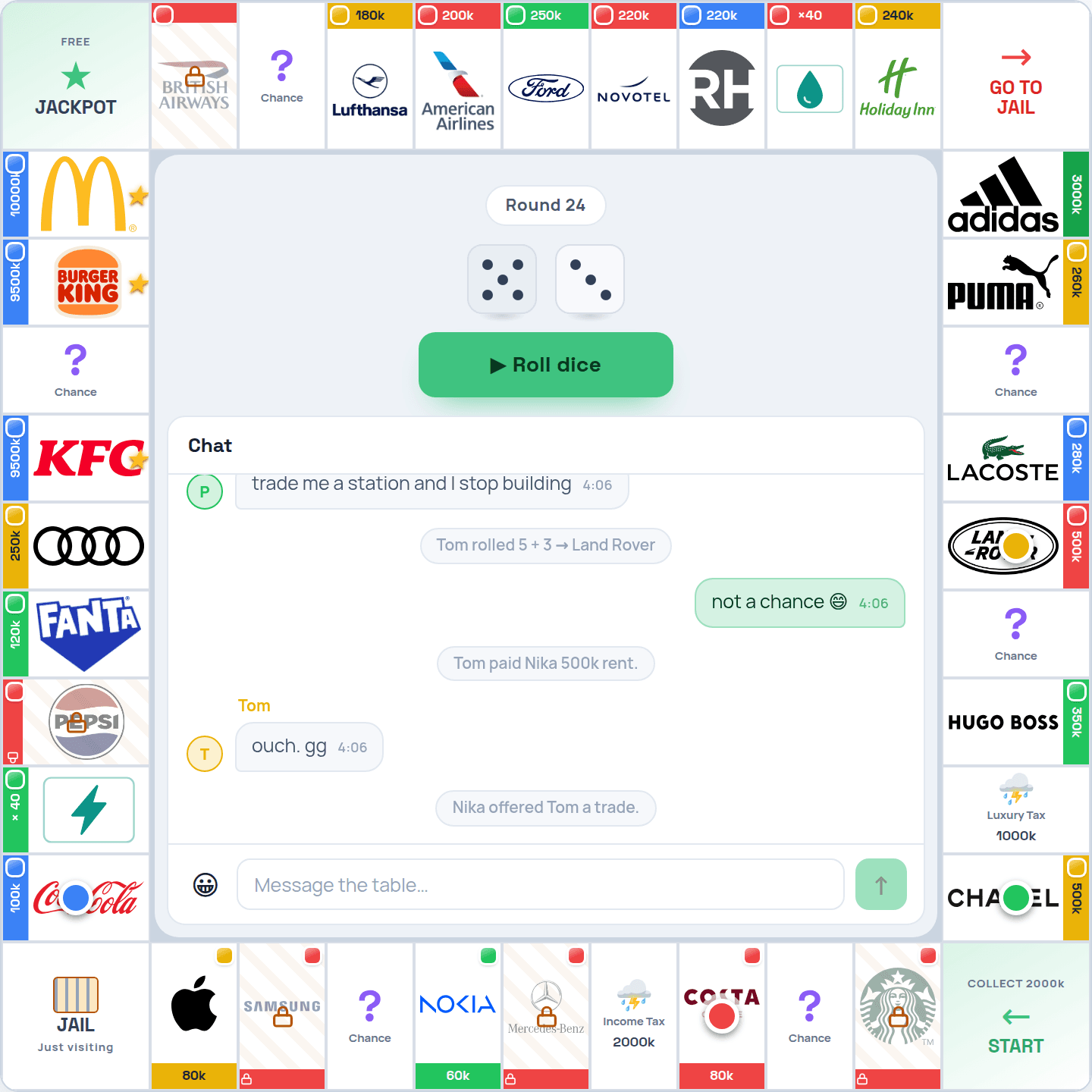
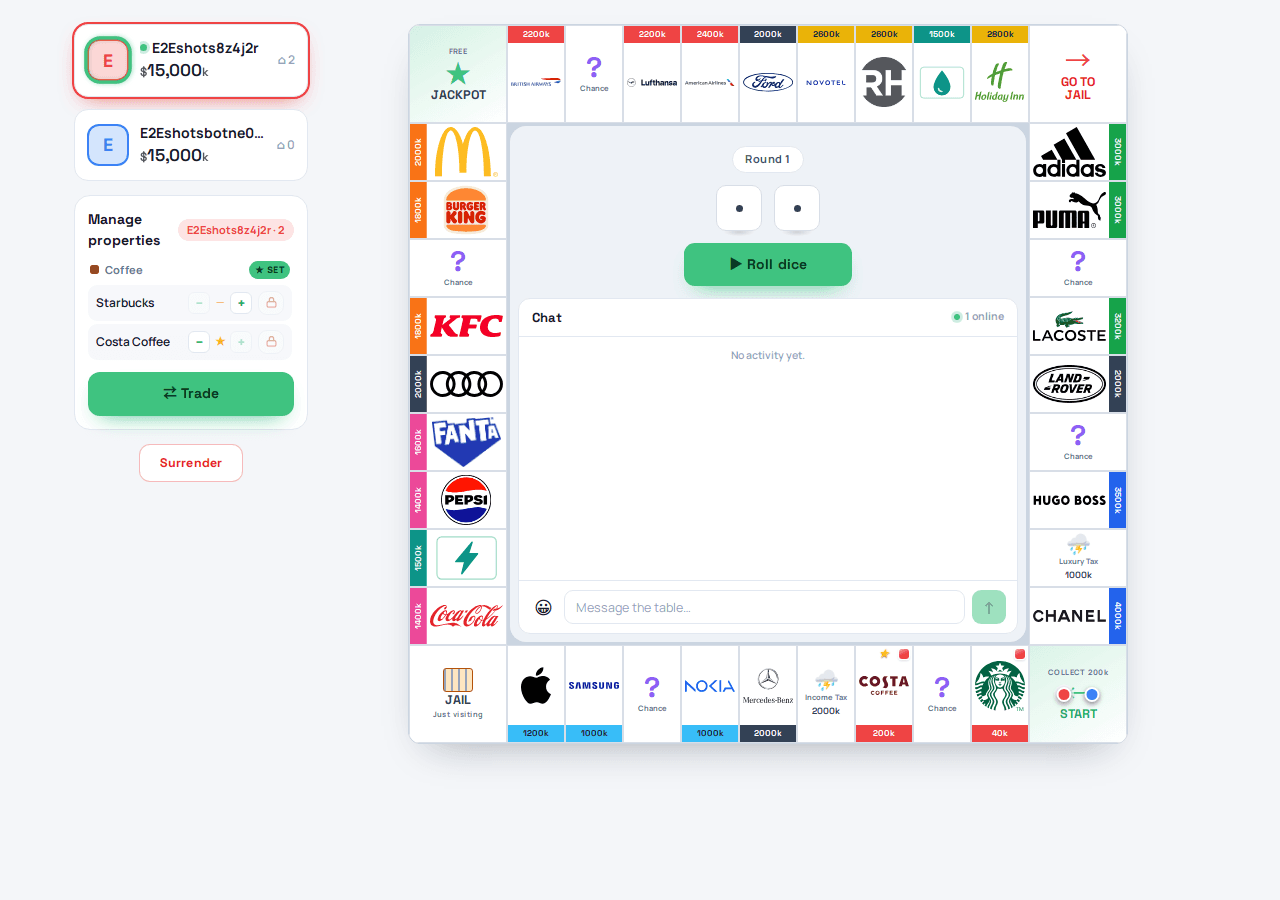
opolyx is a free Monopoly-style board game that runs in the browser you already have. On a computer that means the full property-trading game — buying, building, rent, trades, auctions, mortgages and jail — with nothing to download, no Steam account and no version to keep current, because every game runs on the live site. You sign in with a code or link emailed to you, or with Apple or Google, and play with friends, bots or both. More than half of the people who played opolyx in the past month did it on a computer. It is free to play; there is an optional VIP pass, and nothing in it is needed to finish a game.
Does it work on Windows, Mac, Linux and Chromebook?
Yes — on all four, because it is a web page rather than a Windows program. It runs in current versions of Chrome, Edge, Firefox and Safari, so a Windows PC, a Mac, a Linux desktop and a Chromebook all play the same game, and people on each of them can sit at the same table. On a Chromebook it runs straight in Chrome, so there is no Android app to find and no Linux mode to switch on. The one thing every computer needs is an internet connection, because every game is played live.
Can you install it like a normal PC app?
Yes, from the browser rather than from an installer. In Chrome or Edge — on Windows, Mac, Linux or a Chromebook — open opolyx and choose Install in the address bar or the browser menu; on a Mac, Safari does the same with File → Add to Dock. Either way you get an icon in the Start menu, the Dock or the shelf, and opolyx opens in its own window without browser bars. There is no .exe, no Steam or Microsoft Store listing and nothing to update: the installed app is the live site, so it is always the current version.
Playing on a school or work computer
Because nothing is installed, opolyx needs no administrator rights, which is usually what stops a game on a managed school or office computer. It does need the network to allow the site: if your school or employer blocks game websites, it blocks this one too, and we do not try to get around that. On a shared or public computer, sign out when you finish — your progress and your cards belong to your account, not to the machine.
Mouse, keyboard and screen size
The game is played with a mouse, a trackpad or a touchscreen. There are no keyboard shortcuts to learn, and chat is the only thing you type. On a laptop or a monitor the board, the player list and the chat fit on one screen, which is the most comfortable way to follow a busy table of five or six. A small laptop screen works too, and on a touchscreen laptop you can tap exactly as you would on a tablet.
How to start a game on your computer in a minute
- 1Open opolyx in your browser
Go to opolyx.com in Chrome, Edge, Firefox or Safari on a Windows PC, a Mac or a Chromebook. Nothing downloads.
- 2Sign in
Use the code or link emailed to you, or your Apple or Google account. There is no password to create.
- 3Create a room or join one
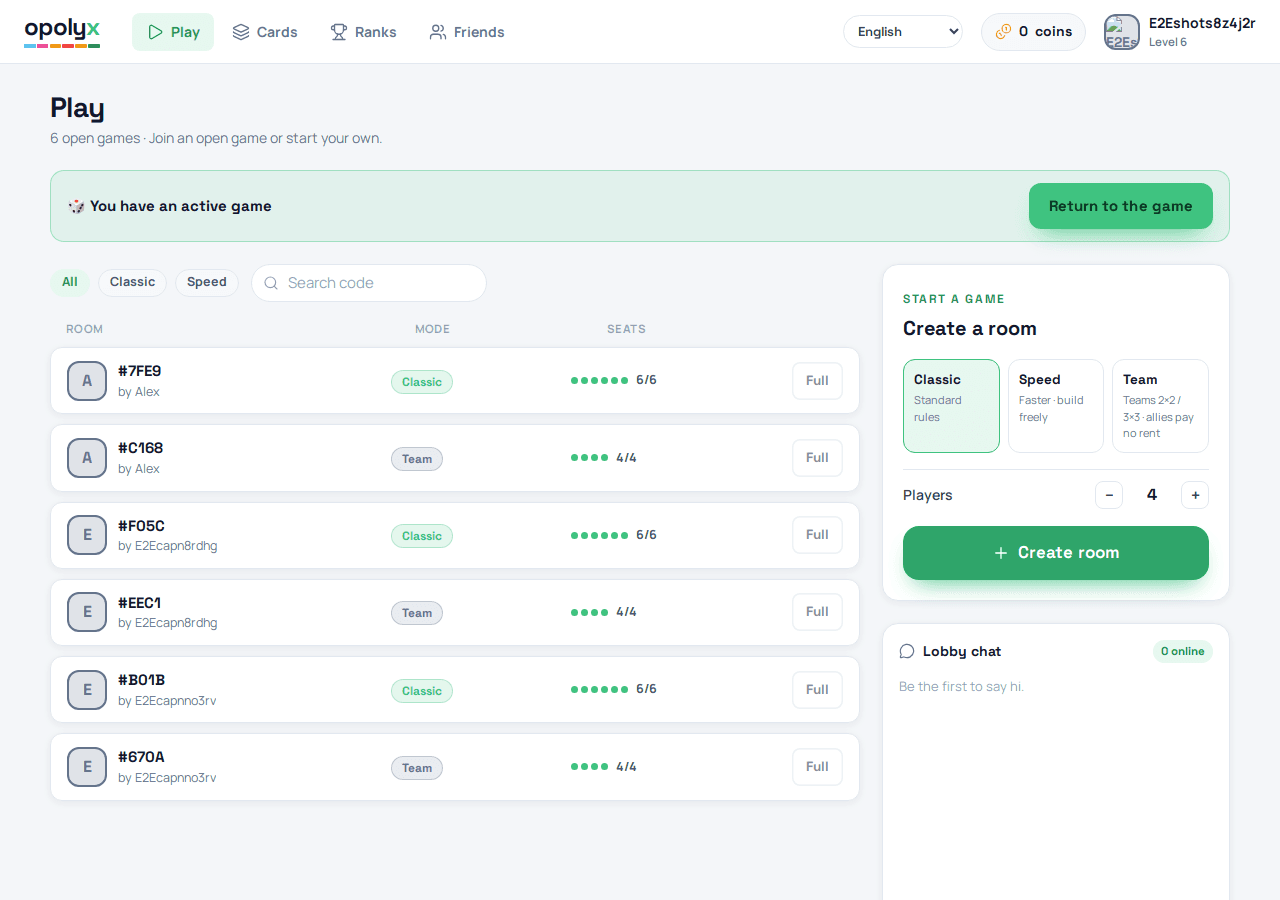
Pick a mode, set the number of seats and send the room link to your friends. Seats nobody takes can be filled with bots.
- 4Roll and play
Buy, build, trade and bid. You can leave a game on your laptop and pick it up again on your phone.
Why opolyx works well on a PC
- Nothing to install, so it also runs on computers where you are not allowed to install software.
- One room works across Windows, Mac, Linux, Chromebook, iPhone and Android at the same time, so the friend on a phone is at the same table as the friend on a laptop.
- Seats 2–6 players, including teams of two or three a side, so a group does not have to split into two games.
- Pick from Blitz, Classic, Speed, Team, Halal, and Fortune: Classic for a long evening, or Blitz when you have less time — 25 rounds · ~15 min.
- Bots can fill the seats nobody took, and they trade, build and bid instead of just moving — see playing Monopoly against the computer.
- Every room has its own link and QR code, so friends on other computers and phones join the same table — more on playing with friends.
Frequently asked questions
Is there a free Monopoly game for PC?
Yes, but not the official one. New Monopoly, the licensed PC game, costs $29.99 on Steam. The free choices are Business Tour, a free-to-play Steam download with in-game purchases, and browser games such as opolyx and richup.io, which run free in any desktop browser with nothing to install.
Can I play Monopoly on a PC without downloading anything?
Yes. Open opolyx in Chrome, Edge, Firefox or Safari, sign in with the code or link emailed to you or with Apple or Google, and take a seat. Nothing is installed, so it also works on computers where you cannot install software.
What is the best Monopoly game for PC?
It depends on what you want. For the licensed 3D game and a one-off price, New Monopoly on Steam. For a free download with online lobbies, Business Tour. For a free game you can start with friends in a minute, on any computer and with nothing to install, opolyx in the browser.
Is Monopoly Plus still available on PC?
No. Ubisoft removed it from Steam, the Ubisoft Store and the Epic Games Store on 2 October 2024, a week after releasing its successor, New Monopoly. It can no longer be bought on PC.
Does opolyx work on a Mac or a Chromebook?
Yes. It runs in the browser, so a Mac and a Chromebook play exactly like a Windows PC, and all of them can share one room. On a Chromebook it runs in Chrome, and you can install it from Chrome as an app too.
Can I install opolyx like a normal PC app?
Yes, from the browser: in Chrome or Edge choose Install in the address bar or menu, and on a Mac choose File → Add to Dock in Safari. It opens in its own window and is always the current version, because the app is the live site.
Can I play offline on my PC?
Not on opolyx: it is a live online game, so it needs a connection, even against bots. If you need to play on a computer with no internet at all, a downloaded game with an offline mode is the better choice.
Can PC and phone players play in the same game?
Yes. Everyone opens the same room link, so a Windows laptop, a Mac, an iPhone and an Android phone can sit at one table. With a downloaded PC game, every player needs that game installed — and bought, if it is paid.