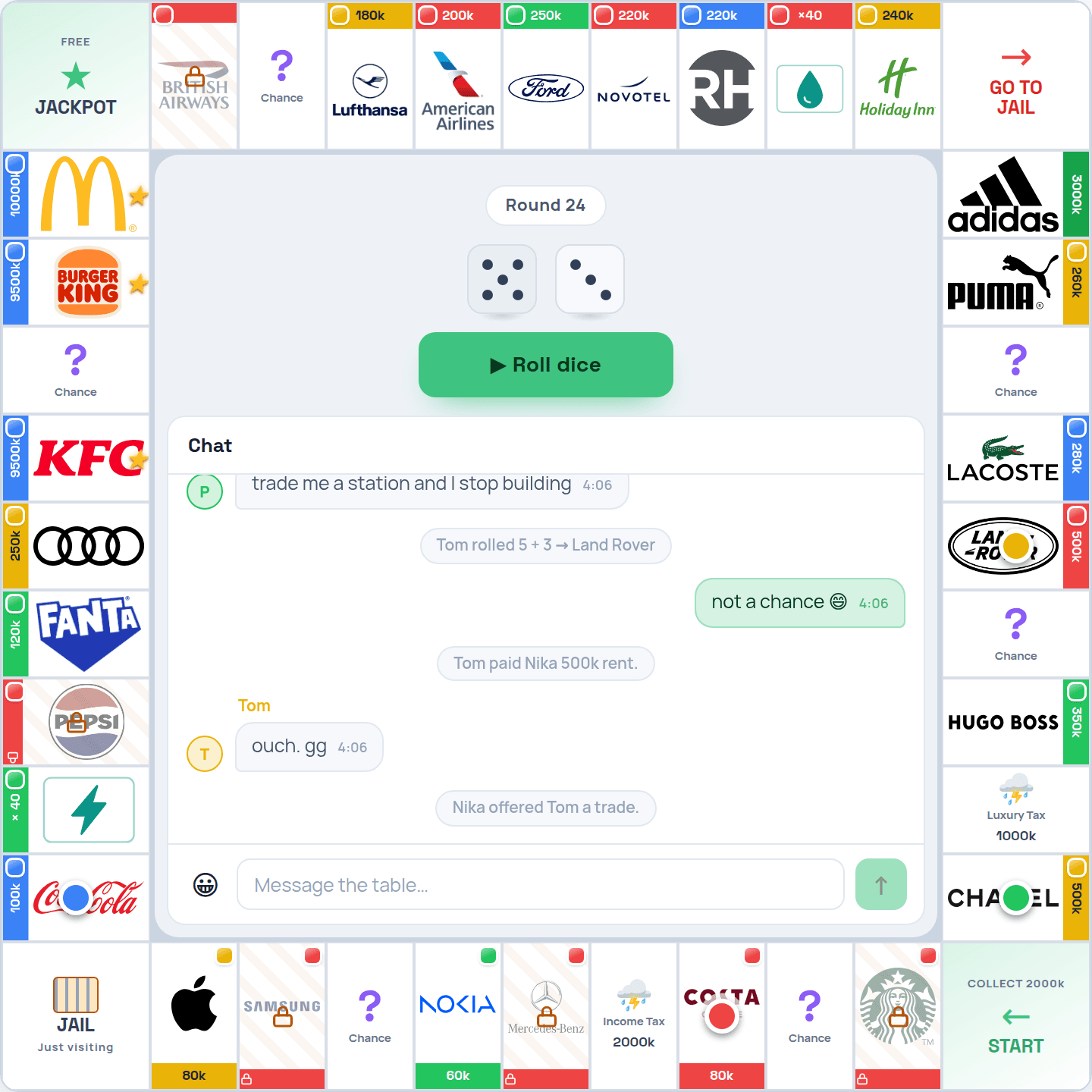
Free Monopoly App — Play in Your Browser, No Download, No Ads
The best free Monopoly-style “app” is one you don’t actually download: opolyx plays instantly in your phone’s browser, with no install and no ads. Tap it to your home screen on iPhone or Android and it launches full-screen, just like a native app. Play with friends or bots in seconds.
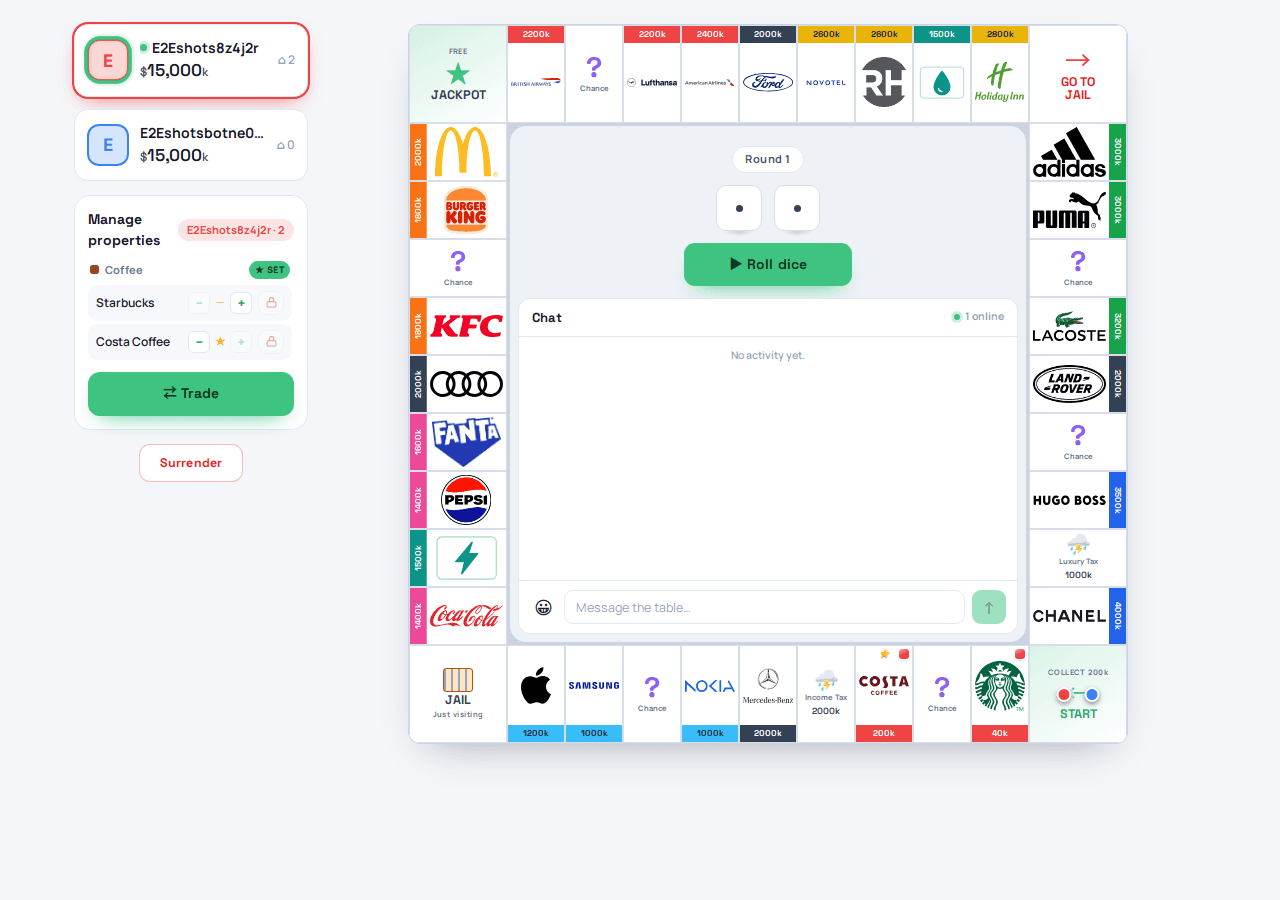
If you’ve been hunting the app store for a free Monopoly-style game and come away with paywalls, ads and accounts, opolyx takes a different route. It’s a full multiplayer board game — buy properties, build, charge rent, trade and bankrupt your rivals — that runs entirely in the browser. There’s nothing to download and nothing to update, so you skip the store queue and start playing right away.
Is there a free Monopoly app you don’t have to download?
Yes — and that’s exactly what opolyx is. There’s a free iPhone app on the App Store, and the very same game opens in any browser at opolyx.com — no download at all. Because it runs in your browser, the same link works on an iPhone, an Android phone, a tablet or a computer, and everyone you invite plays on the very same board in real time. No install, no ads, no payment to start a game.
How do I add the Monopoly app to my home screen?
opolyx is installable as a PWA, so you can save it to your home screen and open it full-screen like any other app. It only takes a few seconds:
- 1Open opolyx in your browser
Go to opolyx.com on your phone — Safari on iPhone, or Chrome on Android.
- 2On iPhone (Safari): Share → Add to Home Screen
Tap the Share button (the square with an arrow), scroll down and choose “Add to Home Screen”, then tap Add.
- 3On Android (Chrome): menu → Install app
Tap the three-dot menu, then choose “Install app” or “Add to Home screen” and confirm.
- 4Launch it like an app
Tap the new opolyx icon on your home screen and it opens full-screen, ready to play.
Is there a Monopoly app I can play with friends?
That’s where opolyx shines. Create a private room, then share the link in any chat — your friends tap it and join from their own phones, wherever they are. No one has to find the same app or make matching accounts first; the link does the work. Short a player at 2am? Fill the empty seats with bots so the game can start anyway.
What makes opolyx a good board game app?
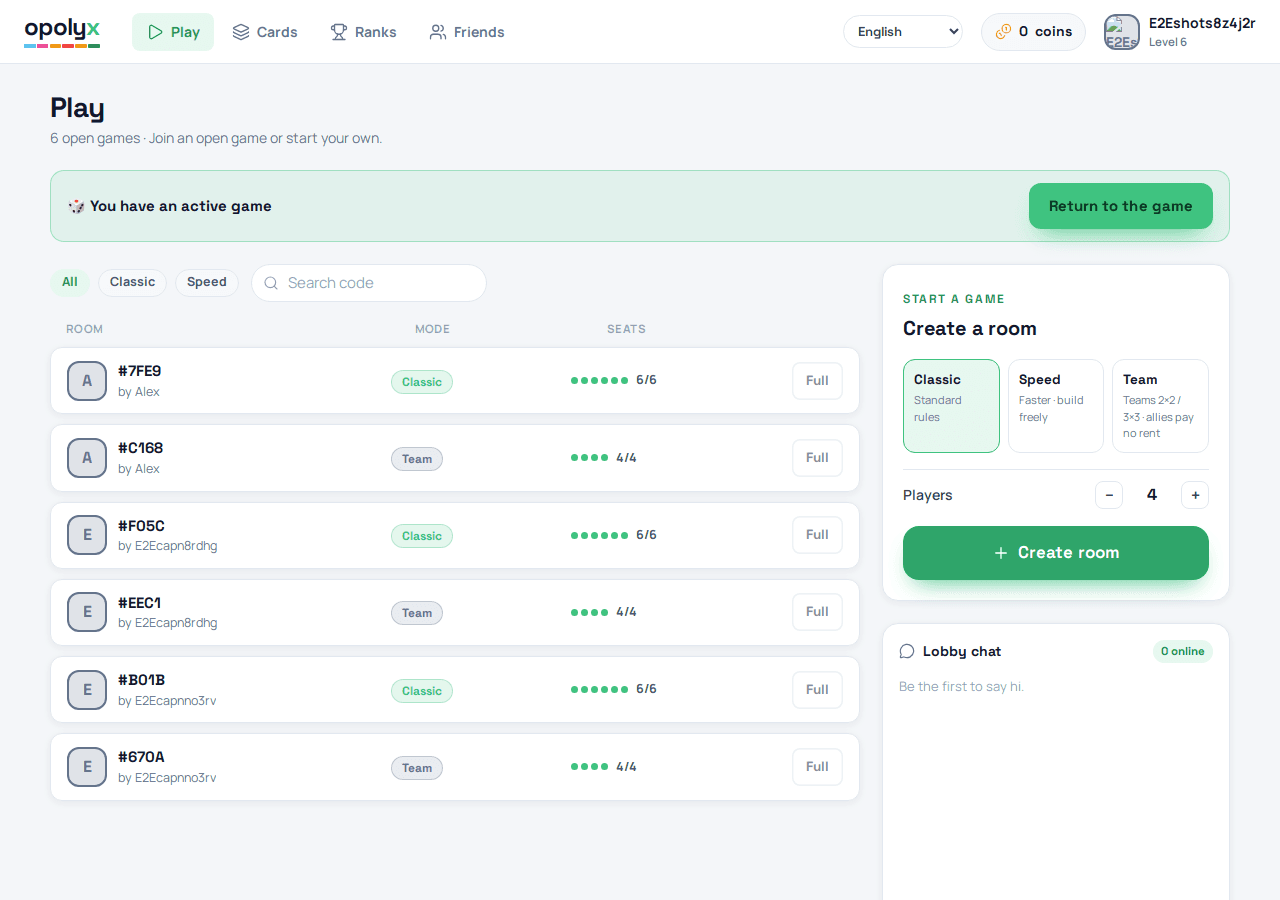
- Free to play with no ads — open a room and start a full game without paying.
- No download: it runs in the browser on iPhone, Android, tablet and desktop.
- Installable as a PWA, so it lives on your home screen and opens full-screen.
- Play with friends over a shared link, or add smart bots (easy, medium, hard).
- 2 to 6 players, Blitz, Classic, Speed, Team, Halal, Fortune, Deal and Russian Roulette modes, with teams of two or three a side.
- Turn-based auctions, trades, a Jackpot mini-game and collectible cards.
- Missions, XP and levels, leaderboards, friends, and in-game chat with stickers.
- Available in 15 languages.
Does it work on iPhone and Android?
Yes. Because opolyx is a browser-based game, it works in the mobile browsers built into both iPhone and Android — and on tablets and computers too. The board scales to your screen, and adding it to your home screen gives you the same one-tap launch you’d expect from a downloaded app, without the storage space or update prompts.
Frequently asked questions
Is there a free Monopoly app?
Yes. opolyx is a free Monopoly-style game you play in your browser — there’s nothing to download and no ads. Add it to your home screen on iPhone or Android for an app-like icon.
What is the best free Monopoly app with no ads?
opolyx is a strong pick: it’s completely free, has no ads, and plays a full Monopoly-style game in the browser with 2 to 6 players, bots, trades and auctions.
Is there a Monopoly app I can play with friends?
Yes. Create a private room in opolyx and share the link in any chat. Friends join from their own devices and you all play on the same board in real time.
Is there a Monopoly app for iPhone?
Yes — the opolyx iPhone app is free on the App Store. If you’d rather not install anything, it also runs in Safari, and you can add it to your home screen so it launches full-screen like an app.
Is there a Monopoly app for Android?
Yes — open opolyx in Chrome on Android, then choose “Install app” or “Add to Home screen” to pin it. There’s no Play Store download needed.
Do I have to download or pay for anything?
No. opolyx loads instantly in the browser with no install and no purchase to start a game. You just sign in with a one-tap email magic link — no password.
Is opolyx the official MONOPOLY app?
No. opolyx is an independent, Monopoly-style board game and isn’t affiliated with Hasbro or the official MONOPOLY brand.