Team Monopoly Online — Play 2v2 or 3v3, Free
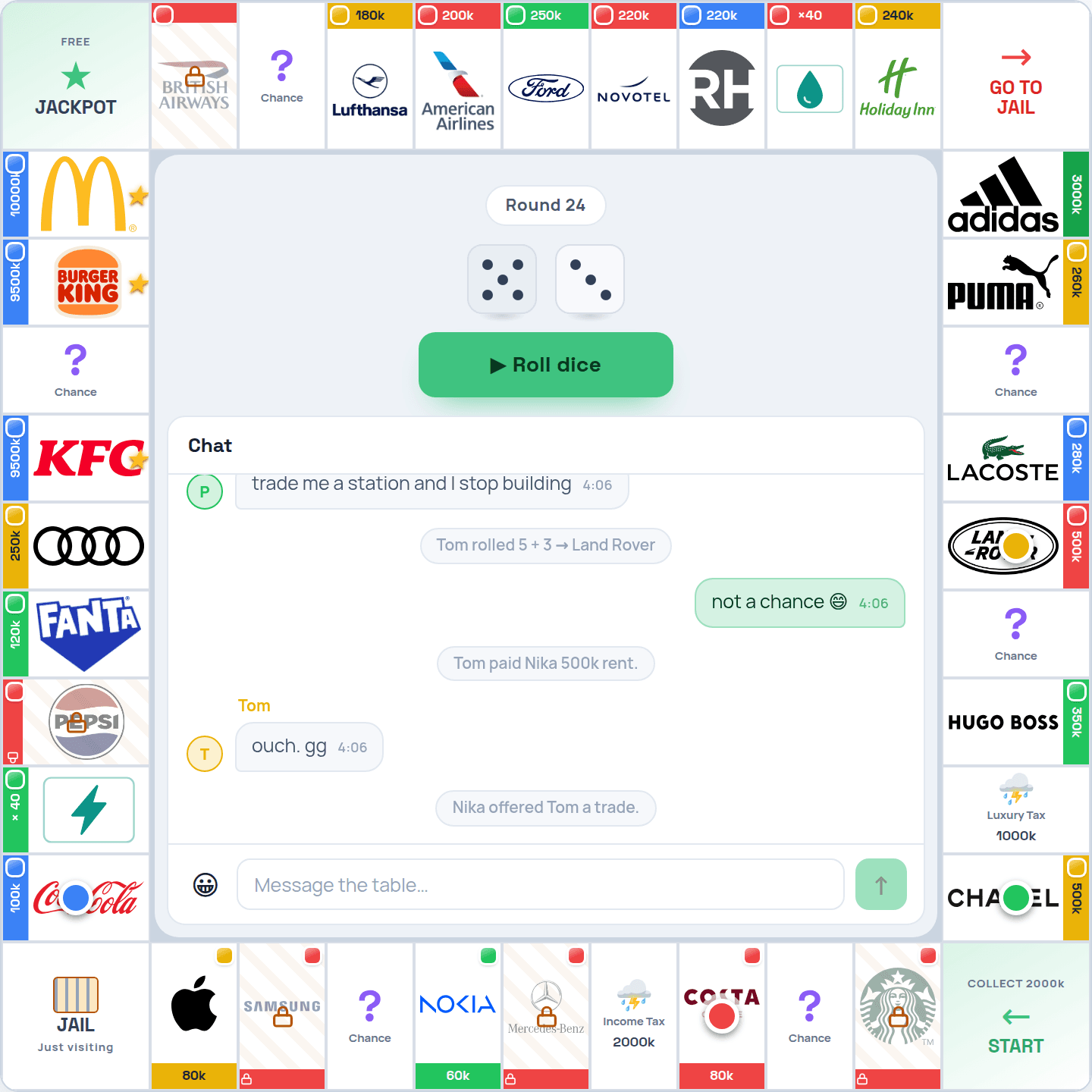
Yes, you can play Monopoly in teams online. opolyx's Team mode seats four or six players on two sides — 2 against 2, or 3 against 3 — on the classic board. Teammates pay each other no rent, trade without the fairness rule, and win or lose together. It is free, runs in the browser and starts from one invite link.
How Team mode works
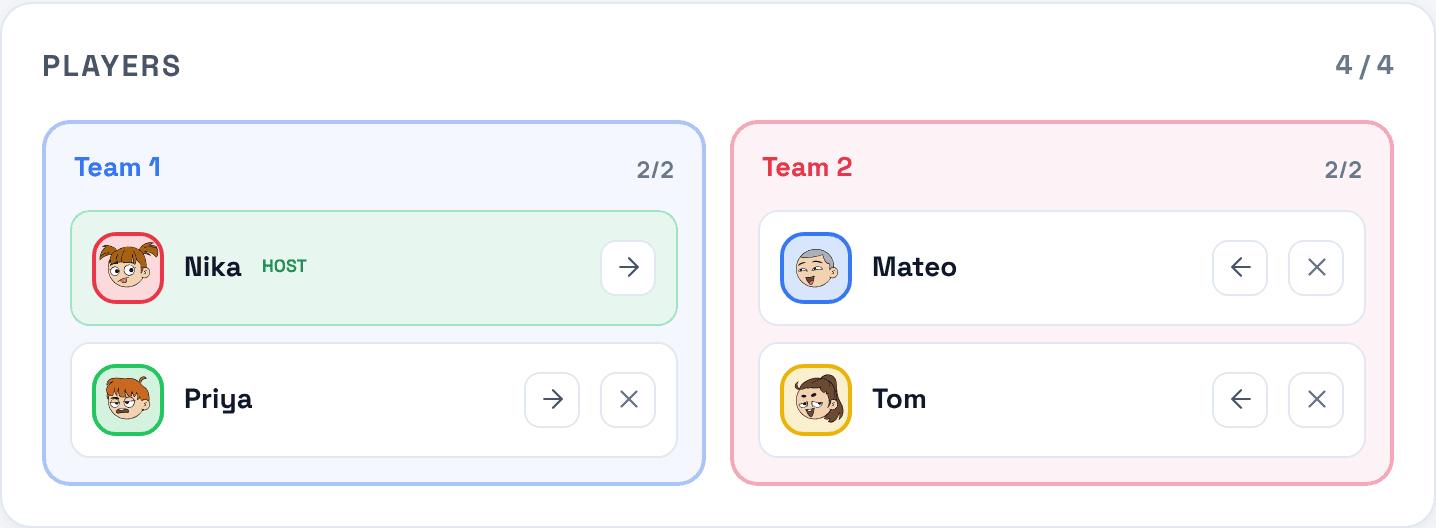
- Two sides of two or three. A team game has four or six seats, and a bot can take any empty one.
- No rent between teammates. Landing on your partner's street costs nothing.
- No fairness rule inside the team. Between opponents a trade must stay roughly even: the smaller side has to be worth at least half the larger. With a teammate it can be a gift, a field or cash for nothing. It is still an offer: you make it on your own turn, your partner accepts it, and a field with houses on it cannot change hands.
- A bankrupt player's property stays in the team. It passes to a teammate instead of going back to the bank.
- The team wins together. The last team with a player standing wins, and a teammate knocked out earlier shares the win. If the game reaches its round limit, the team with the larger combined net worth wins.
- Everything else is Classic: the same board, starting cash, auctions, jail and building rules.
Solo or team: what changes
| Solo modes | Team mode | |
|---|---|---|
| Players | 2 to 6, each for themselves | 4 or 6, on two sides |
| Rent | everyone pays everyone | teammates pay nothing |
| Trades | balanced: the smaller side worth at least half | no fairness rule inside the team |
| Bankruptcy | property goes back to the bank | property goes to a teammate |
| Who wins | one player | the whole team |
Why play Monopoly in teams
A team game is a cooperative game inside a competitive one. You plan sets together, cover a partner who is short of cash, and a lead does not hinge on one player's dice. It suits four or six friends, couples playing against couples, and remote teams looking for an online game to play together.
An online game for remote teams
A team game is easy to run at work: one person opens a private room and shares the link, everyone plays in the browser with nothing to install, and the room has its own chat. Play it over a video call.
How to start a team game
- 1Sign in at opolyx.
Use an email code, Google or Apple.
- 2In the lobby, pick Team.
Choose four or six seats and create the room.
- 3Share the room link.
Send it to the people you are playing with.
- 4Check the sides in the waiting room.
Seats alternate between the two sides. Any player can move their own seat to the other side, and the host can move any seat, bots included.
- 5Fill any empty seat with a bot and start.
A team game starts once every seat is taken and both sides are even.
Team strategy in brief
- Finish sets inside the team. Offer your partner the field that completes their set: inside the team a trade needs no balance, and a finished set earns rent for your side.
- Send cash to whoever can build. A partner with a set and no money is the team's best investment.
- Use your partner's streets. They are free ground; an opponent's built set is where team games are lost.
Team Monopoly — frequently asked questions
Can you play Monopoly in teams online?
Yes. opolyx's Team mode is 2 against 2 or 3 against 3 on the classic board, free in the browser.
How many players do you need for team Monopoly?
Four or six. If someone is missing, a bot can take the seat.
Do teammates pay rent to each other?
No. Landing on a teammate's street costs nothing.
What happens when a teammate goes bankrupt?
Their property passes to a teammate, and they still share the win if their team wins.
Is it a good online game for a remote team?
Yes: one private room, one link, nothing to install, a chat in the room, and it runs on work laptops and phones alike.
Is Team mode free?
Yes, Team mode is free to play.