opolyx is now on the Chrome Web Store
opolyx is now a Chrome extension: one click on the toolbar opens a full game that runs offline, and the online game is one more click away. It asks for nothing.
In plain words
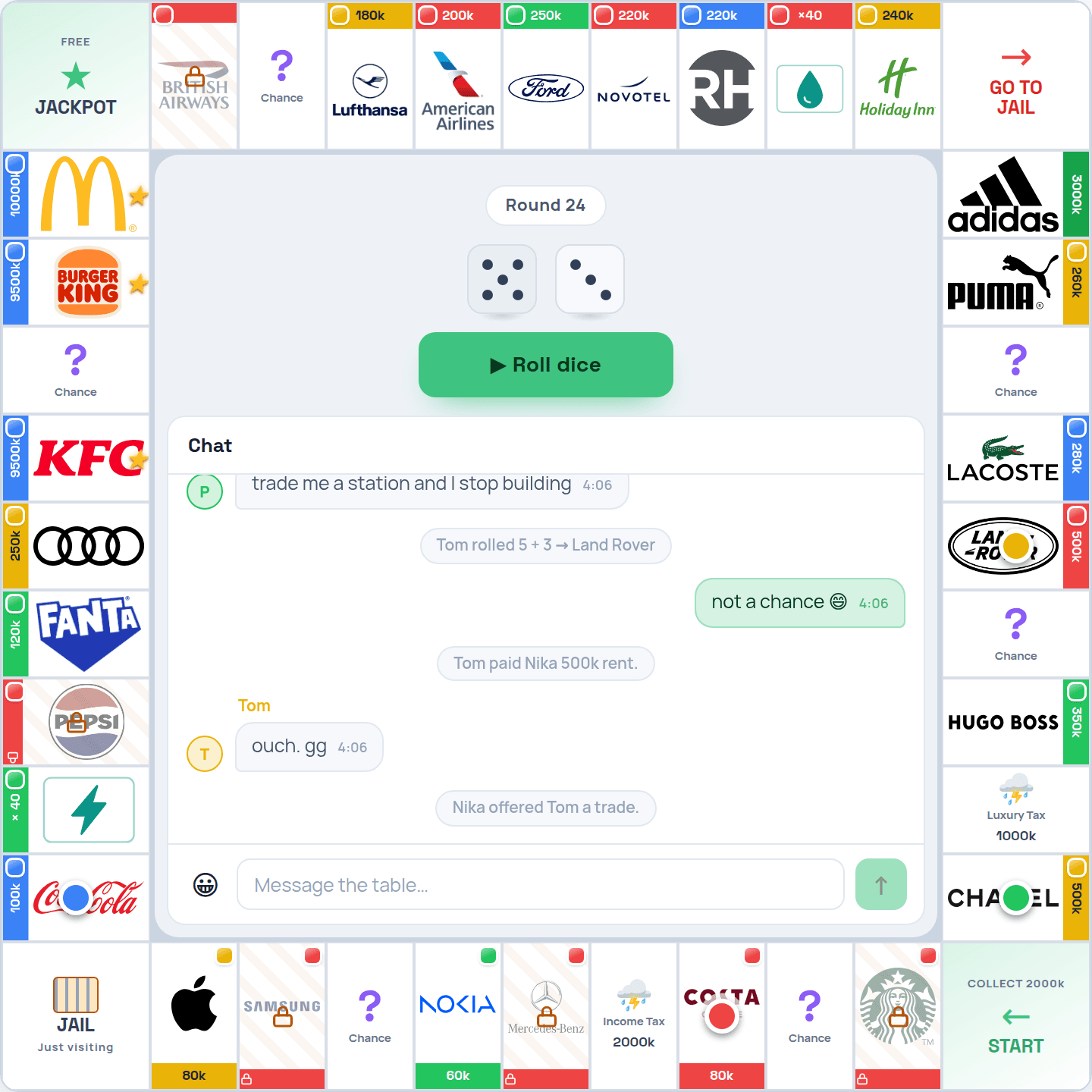
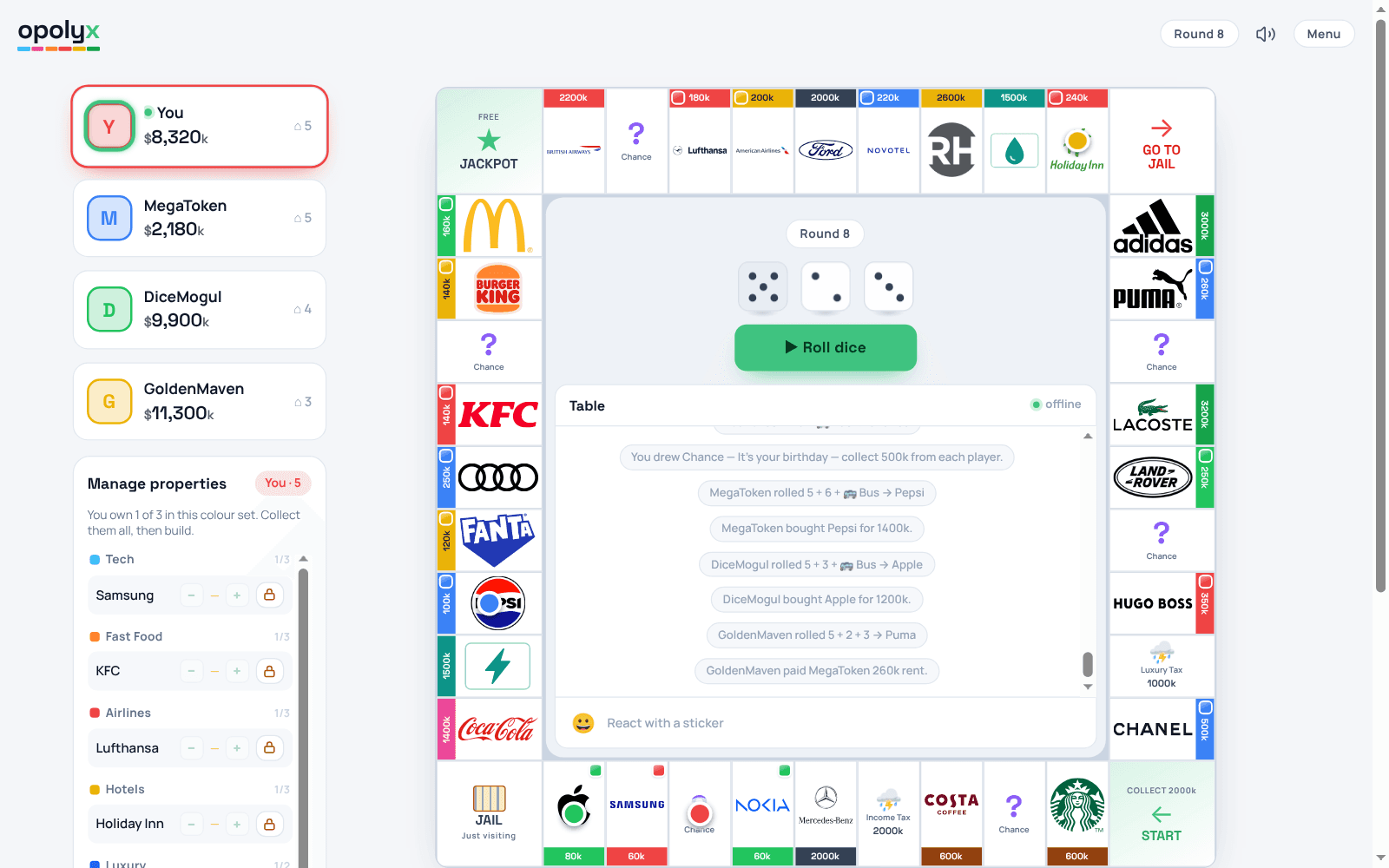
No signal on the train, ten minutes before a meeting, or simply no wish to sign in? opolyx now lives in Chrome’s toolbar. One click on its icon opens a full game in a new tab, and the game keeps going with no connection at all.
What the extension does
- Opens a full game in a new tab that runs without a connection: buying, building, auctions and a third die.
- Saves the game in your browser, so you can close the tab and pick it up later.
- Keeps the online game one click away: the same menu opens opolyx.com, where you play with people in every mode.
- Opens in your browser’s language — one of the twelve opolyx speaks, with Arabic right to left.
It asks for nothing
The extension requests no permissions at all. It does not read the pages you visit, runs nothing in the background and sends nothing anywhere: everything it needs is inside the package. Its Chrome Web Store page says the same — the developer has disclosed that it will not collect or use your data.
Add it to Chrome
Open the listing below and press Add to Chrome. Then pin opolyx from the puzzle-piece menu in Chrome’s toolbar, so the icon is always one click away.

Questions people ask
Is the extension free?
Yes. It is free, shows no ads and needs no account.
Does it work without the internet?
Yes. Once it is installed, the game in the tab runs with no connection; only the online game needs the internet.
What can the extension see?
Nothing. It asks for no permissions, reads none of the pages you visit and sends no data anywhere.
Does an offline game count towards my level?
No. The offline game needs no account and keeps its progress in your browser. Your level, rating and cards belong to the online game on opolyx.com, which the same menu opens.
For the technically curious
The extension is the same offline game that already runs on itch.io, built a third time, for Chrome: Manifest V3, one menu and one page, with no permissions, no background worker and no content script.
A check runs inside every build of the site and fails it if the package ever asks for a permission, loads a script from outside or turns a string into code — so the promise above is tested on every change, not once.
Before it went to the store, the package played a real game in a real Chromium for a minute while the run counted network requests: none left the extension, and the console logged no errors.