تابِع منافسيك: الأصدقاء ولوحة صدارة للأصدقاء
تابِع اللاعبين الذين تستمتع بهزيمتهم، وشاهدهم مرتّبين في علامة تبويب خاصة بهم في لوحة الصدارة، وأدِر الجميع من صفحة أصدقاء جديدة تتيح البحث بالاسم المستعار.
بكلمات بسيطة
opolyx أمتع مع أشخاص تعرفهم. يمكنك الآن متابعة أيّ لاعب — انقر «متابعة» في صفحته، أو ابحث عنه بالاسم المستعار في صفحة الأصدقاء الجديدة — وسيظهر في علامة تبويب بلوحة الصدارة تضمّك أنت والأشخاص الذين تتابعهم فقط.
المتابعة أحادية الاتجاه، كما في معظم تطبيقات التواصل: لا تحتاج إلى أن يتابعوك بالمقابل، ولا شيء لتوافق عليه. ولوحة الصدارة ترتيب عام على أيّ حال، فمتابعة أحدهم لا تكشف شيئًا لم يكن قد أظهره بالفعل.
- تابِع / ألغِ المتابعة من أيّ صفحة ملف شخصي بزرّ واحد.
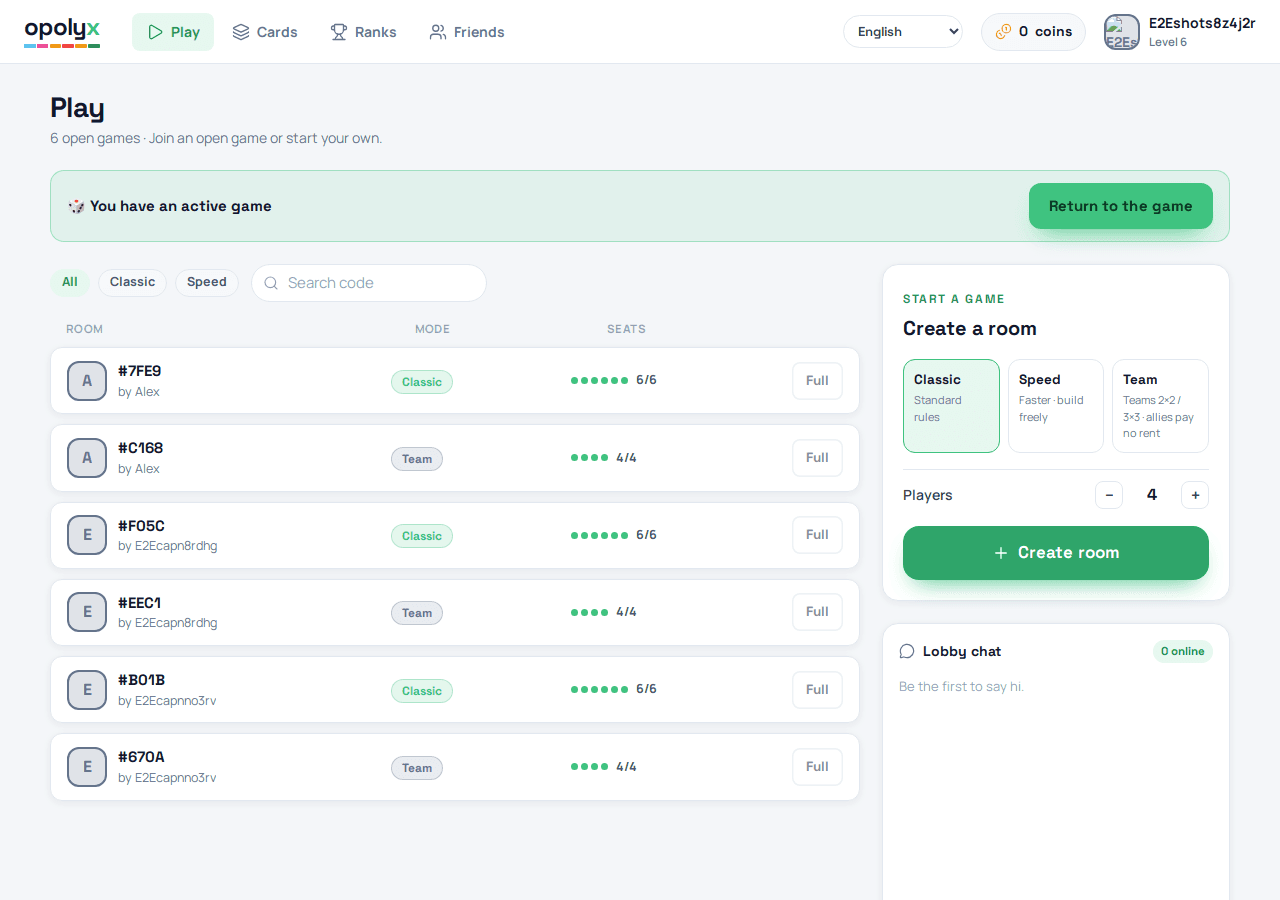
- صفحة أصدقاء جديدة فيها علامتا تبويب «المتابَعون» و«المتابِعون» وبحث بالاسم المستعار للعثور على اللاعبين.
- علامة تبويب الأصدقاء في لوحة الصدارة ترتّبك أنت وكلّ من تتابعهم حسب التصنيف.
- أعداد المتابِعين والمتابَعين تظهر الآن كشارات في كل ملف شخصي.
للمهتمين بالتفاصيل التقنية
الترحيل 0033 يضيف جدول follows — حافة موجّهة (follower, followee) مع حارس منع تكرار على المفتاح الأساسي، وفحص لمنع متابعة النفس، وحذف تعاقبي. القراءات تستخدم RLS على مستوى الصف الخاص (يقرأ كل طرف حوافه)؛ أما الكتابات فتمرّ عبر إجراءين RPC بصلاحية security-definer قائمين على auth.uid() ومصمَّمين على غرار create_game.
-- follow_user / unfollow_user: idempotent, auth.uid()-scoped, security definer
-- 0031 grant lesson applied: default privileges grant EXECUTE to anon —
--   revoke from public, anon FIRST, then grant execute to authenticated only.
عدّ متابِعي مستخدم عشوائي يمنعه ذلك الـ RLS على مستوى الصف الخاص، لذا يضيف الترحيل 0034 دالة get_follow_counts(p_user) — دالة security-definer تُرجع المتابِعين/المتابَعين. ولأن الأعداد غير حسّاسة والملفات الشخصية قابلة للقراءة العامة (يُعرض الملف الشخصي للزوّار المجهولين)، فهي ممنوحة لـ anon + authenticated — عكس إجراءات الكتابة في 0033.
استعلام لوحة صدارة الأصدقاء هو ببساطة معرّف المشاهد مضمومًا إلى كلّ من يتابعهم، مرتّبين حسب نقاط الخبرة العالمية. طُبّق كلا الترحيلين على الإنتاج عبر Supabase Management API وجرى التحقّق منهما (المنح: authenticated نعم / anon لا للكتابات، وanon نعم للأعداد) قبل شحن تغيير الويب.