New character avatars, everywhere
Every player now gets a friendly DiceBear v10 “adventurer” character portrait — on your profile, the leaderboard, the lobby and inside the game.

In plain words
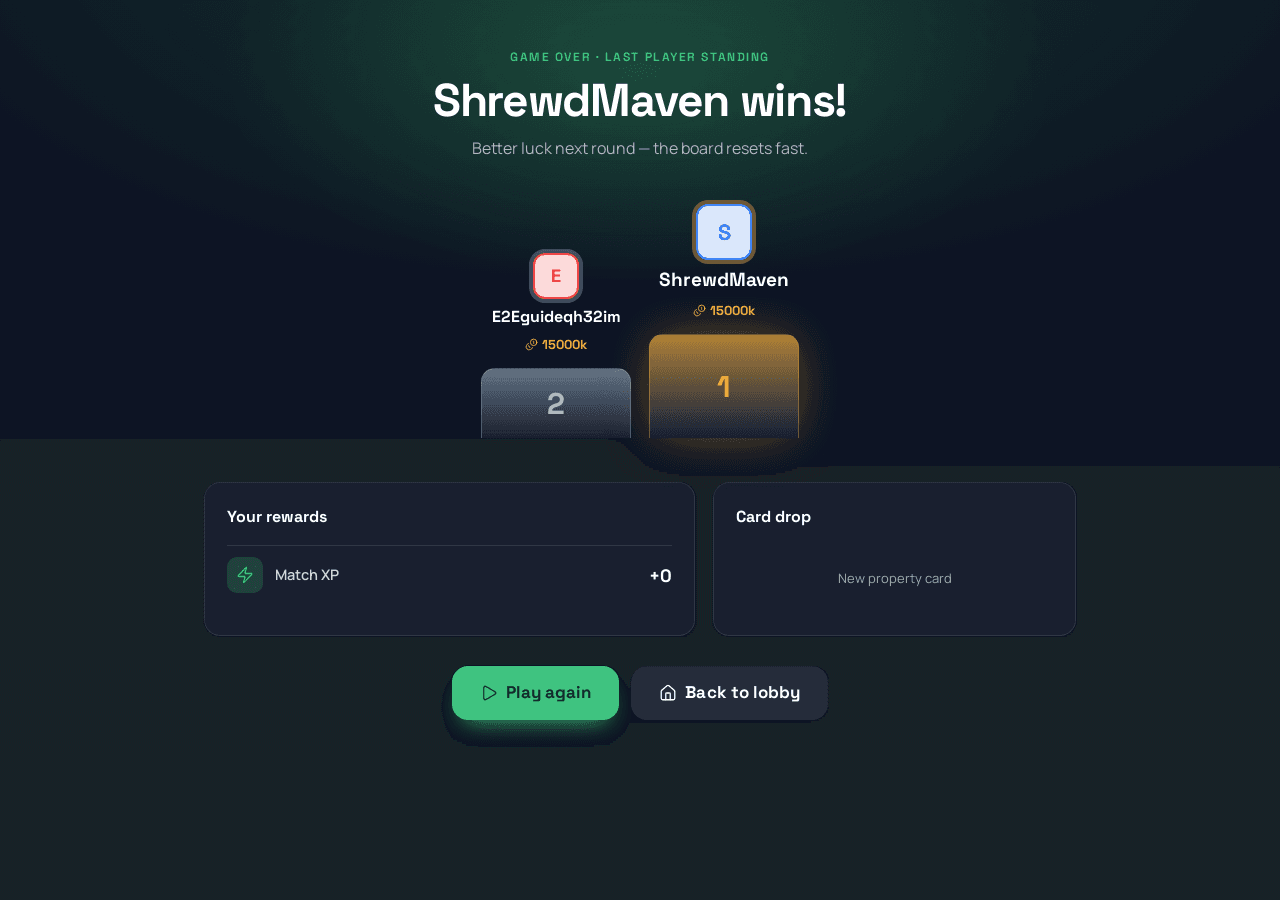
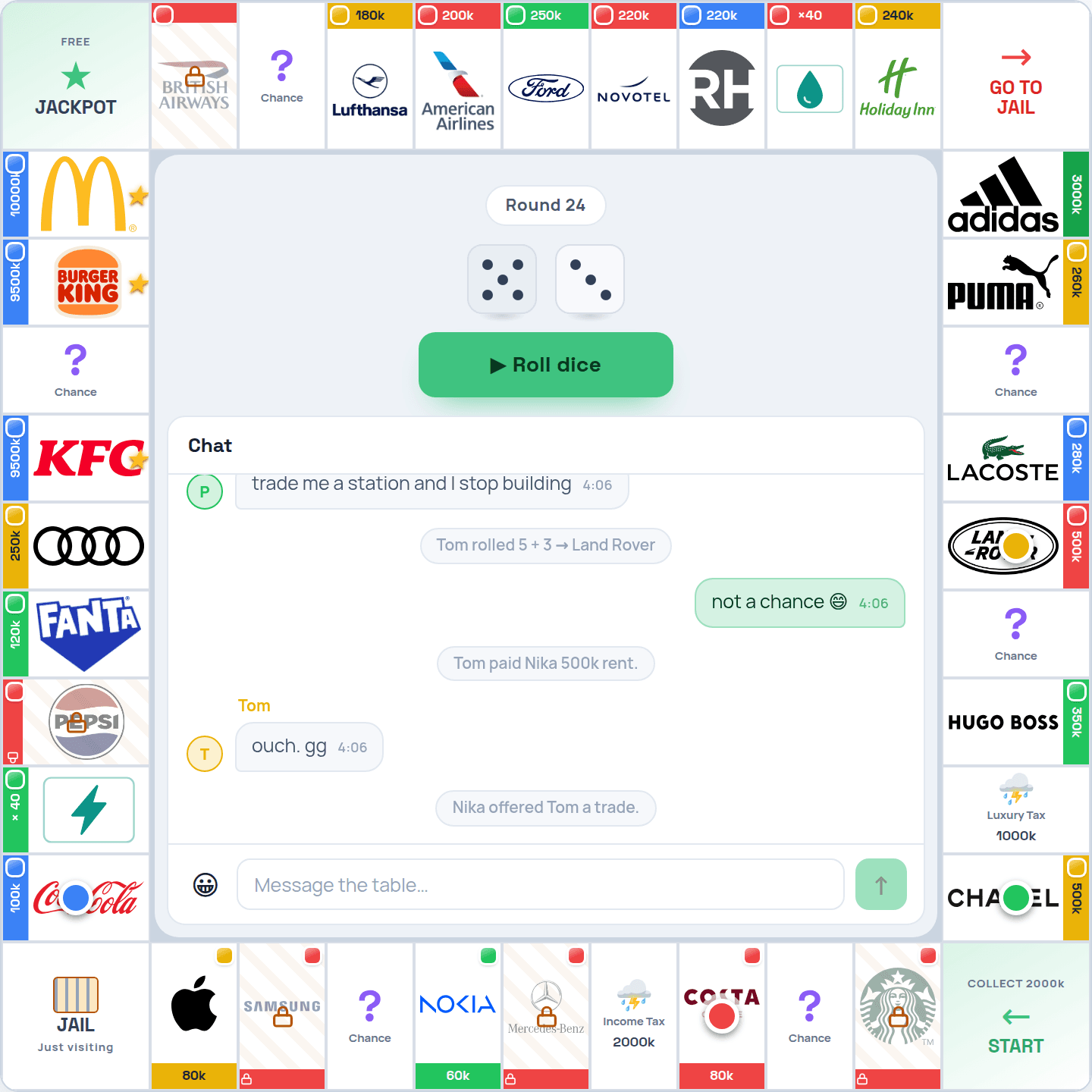
Your avatar used to be an abstract geometric pattern. It is now a real little character portrait — the DiceBear v10 “adventurer” style — and it appears everywhere your name does: your profile, the leaderboard, the friends list, the lobby, and now inside the game itself on the player rail, the waiting room and the result screen.
Your avatar is generated from your account, so it is always the same picture across every screen — recognisable at a glance during a match. Existing players were switched over automatically; there is nothing to set up.
For the technically curious
Every avatar is seeded by the user id through a single helper, so the same id always yields the same image — an in-game avatar is byte-identical to the profile avatar and reuses the same cached request.
// apps/web/lib/avatar.ts
export const adventurerUrl = (seed: string) =>
`https://api.dicebear.com/10.x/adventurer/svg?seed=${seed}`;Migration 0042 is a drop-in of the signup trigger with the two avatar_url literals bumped from 8.x/identicon to 10.x/adventurer, plus a one-shot backfill updating every existing DiceBear avatar (humans, bots and guests; custom avatars untouched). Applied to prod and verified — all 35 profiles moved to v10 and new signups get v10.
The image surfaces that already read avatar_url (top bar, profile, leaderboard, friends) switched with no code change via the backfill. The in-game and lobby surfaces already hold the user id client-side, so each one computes the avatar URL locally — no need to thread a map through game state. No CSP change was needed; the DiceBear host was already allowed.